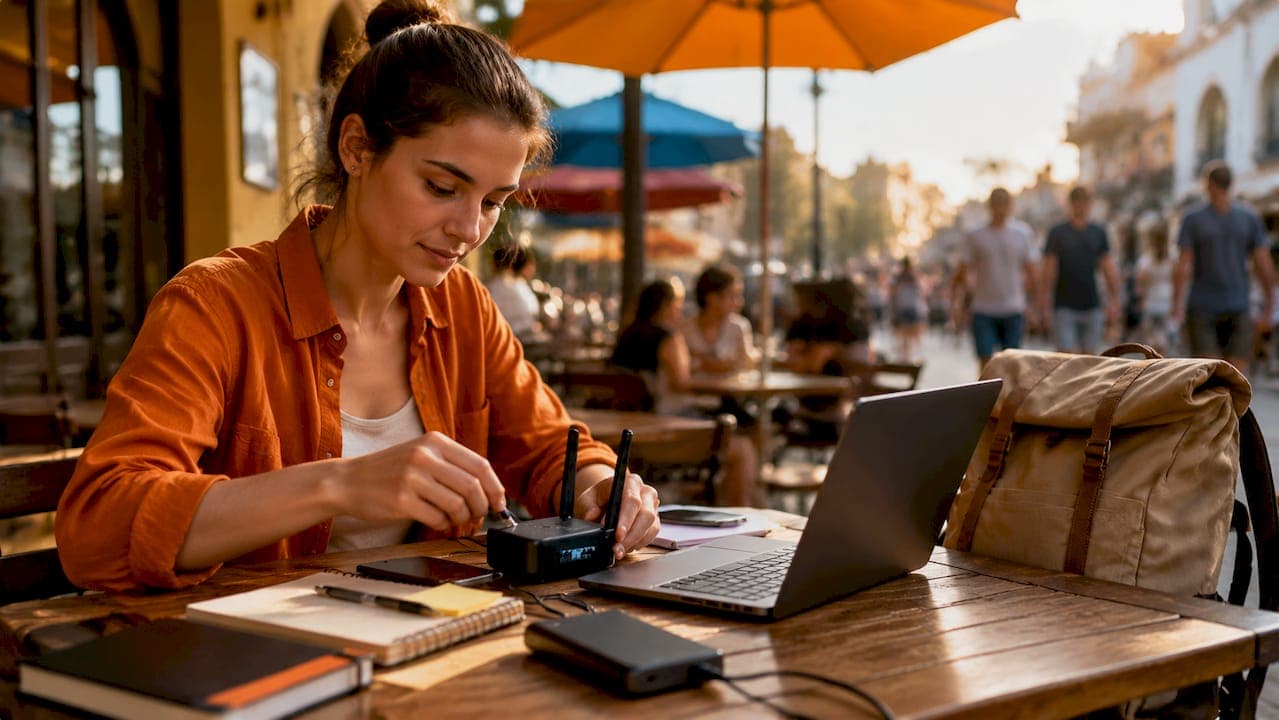
A VPN, or virtual private network, is the single most important security tool you can carry as a digital nomad. When you connect to public Wi-Fi in a Lisbon café or a Bangkok coworking space, your data travels unencrypted unless a VPN wraps it in a secure tunnel first. This guide walks you through exactly how to set up a VPN for nomads, covering the right tools, step-by-step configuration for both software and hardware options, and the advanced features that keep your work protected across borders.
What tools and devices do you need to set up a VPN as a nomad?
The right gear makes the difference between a VPN that works reliably and one that fails you at the worst moment. Before you configure anything, gather your prerequisites.

Software VPN subscriptions
High-quality VPN subscriptions cost between $2.24 and $6.67 per month, with most plans supporting 10 or more simultaneous devices. That price range covers services like NordVPN, ExpressVPN, Surfshark, and ProtonVPN. Each supports WireGuard or NordLynx, the two fastest modern protocols, and includes apps for Windows, macOS, iOS, and Android. Download and install the app on every device before you leave home.
Look for these features in any subscription you choose:
- Kill switch: Cuts your internet if the VPN drops, preventing accidental data exposure
- Auto-connect: Activates the VPN automatically on any new network
- Obfuscated servers: Disguise VPN traffic as regular HTTPS for use in restrictive countries
- Split tunneling: Routes only selected apps through the VPN tunnel
- Multi-device support: Covers your laptop, phone, and tablet under one plan
Pro Tip: Install the VPN app and test it on every device you plan to travel with before your departure date. Fixing a configuration issue at home takes five minutes. Fixing it from a hotel in Vietnam takes an hour.
Hardware travel routers vs. software VPN apps
A travel router like a GL.iNet model creates a dedicated VPN connection that every device on your personal network uses automatically. This is a fundamentally different approach from installing an app on each device.
| Feature | Software VPN App | Hardware Travel Router |
|---|---|---|
| Setup complexity | Low | Medium |
| Devices covered | Per-device | All devices on network |
| Corporate VPN conflicts | Possible | Avoided |
| Residential IP routing | No | Yes |
| Portability | Very high | High |
| Cost | Subscription only | Router + subscription |
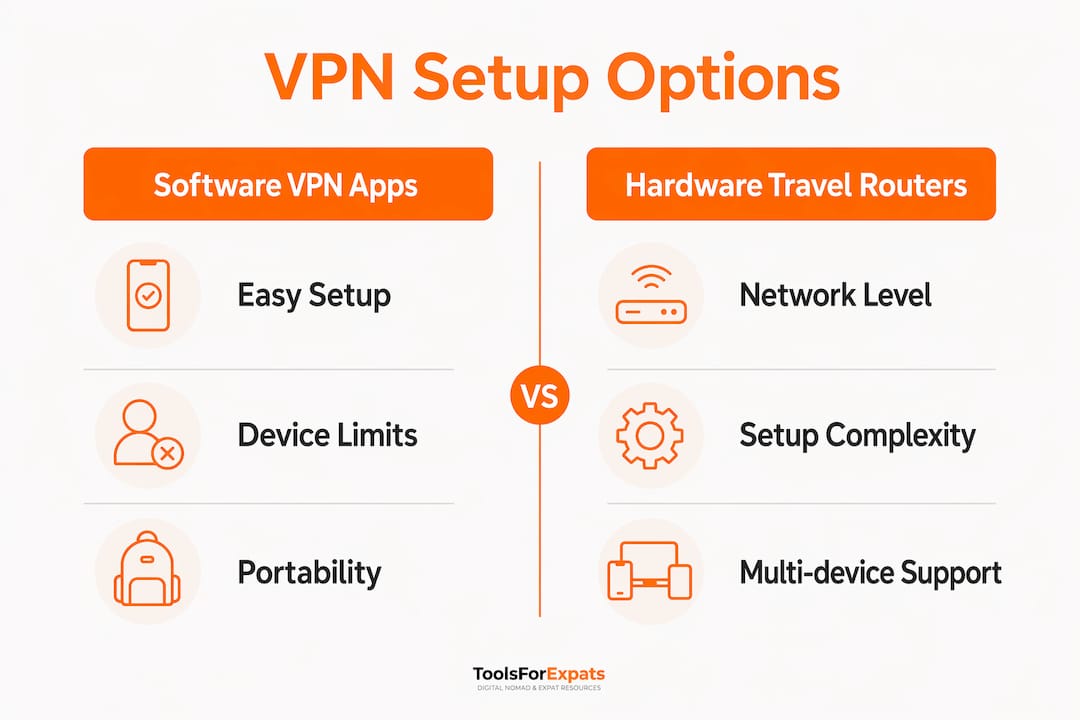
Hardware travel routers create a "tunnel inside a tunnel," encrypting traffic at the network level and using a residential IP. This makes them ideal when your employer's corporate VPN conflicts with a personal VPN app on your laptop. GL.iNet routers running OpenWrt natively support WireGuard and OpenVPN, making them a practical choice for nomads who want always-on protection without touching individual device settings.
How to set up your VPN: step-by-step instructions for nomads
The setup process splits into two tracks: software apps for quick deployment and travel router configuration for full-network coverage. Start with the software setup, then add the router if your workflow demands it.
Setting up a software VPN app
- Create your account on the VPN provider's website before you travel. Download the app for every operating system you use.
- Enable the kill switch in the app settings. This is a one-time step that prevents data leaks if your VPN connection drops on an unstable foreign network.
- Turn on auto-connect so the VPN activates whenever you join a new Wi-Fi network. Most apps call this "auto-connect on unsecured networks."
- Preconfigure server profiles for your home country and two or three regions you visit frequently. Multiple preconfigured profiles save time and keep you connected without hunting for the right server mid-workday.
- Test your connection using a DNS leak test site before you rely on it for work. Confirm your visible IP address matches the server location, not your real location.
Configuring a GL.iNet travel router with WireGuard
- Connect the router to your hotel or coworking space's Wi-Fi as the upstream connection.
- Log into the router admin panel at 192.168.8.1 using the default credentials printed on the device.
- Navigate to the VPN section and select WireGuard client.
- Import your WireGuard configuration file from your VPN provider's dashboard. NordVPN, Mullvad, and ProtonVPN all offer downloadable WireGuard config files.
- Forward UDP port 51820 if you are connecting back to a home server. Note that many ISPs block standard port forwarding due to CGNAT, which requires an alternative approach covered in the troubleshooting section.
- Enable the kill switch in the router's VPN settings to block all traffic if the tunnel drops.
- Connect your devices to the router's Wi-Fi network. Every device is now protected without any additional app configuration.
Pro Tip: Set up Dynamic DNS (DDNS) on your home router if you plan to connect back to a home server. Services like DuckDNS are free and keep your home IP address reachable even when it changes.
When traveling to countries with internet restrictions, switch your protocol. OpenVPN TCP on port 443 mimics standard HTTPS traffic and passes through most firewalls that block WireGuard.
How to use advanced VPN features effectively while traveling
Getting the VPN running is step one. Using it well is what separates nomads who work without friction from those who fight their tools every day.
Split tunneling for better performance
Split tunneling routes your work apps through the VPN while letting local apps like food delivery, maps, and banking connect directly. This matters because banking apps in many countries block access from foreign IP addresses. With split tunneling, your browser and work tools use the VPN while your local banking app connects natively. NordVPN, ExpressVPN, and Surfshark all support split tunneling on Windows and Android.
Bypassing censorship with obfuscated servers
Standard WireGuard and OpenVPN connections are detectable and blocked in countries like the UAE and China. Obfuscated servers disguise VPN traffic as regular HTTPS, making it invisible to deep packet inspection. ExpressVPN's Lightway protocol and NordVPN's obfuscated server option both handle this well. For the most restrictive environments, protocols like V2Ray and XRay add an additional layer of disguise on top of standard VPN encryption.
Pro Tip: A VPN alone is one security layer. Pair it with multi-factor authentication on all work accounts and full-disk encryption on your laptop for layered security that holds up even if your device is lost or stolen.
Key advanced features worth activating on every trip:
- Obfuscated servers for travel to China, UAE, Russia, or Iran
- Split tunneling to keep local apps functional without disabling the VPN
- Multi-hop connections for high-sensitivity work, routing traffic through two servers
- Protocol switching from WireGuard to OpenVPN TCP 443 when connections fail
Troubleshooting common VPN setup issues for digital nomads
Even a well-configured VPN hits problems on the road. Most issues fall into a small set of categories, and each has a clear fix.
Connection drops and instability are the most common complaint. The kill switch solves the security risk, but the underlying cause is usually a weak or throttled Wi-Fi signal. Switch to a wired connection using a USB-C to Ethernet adapter when possible, or connect your travel router to the hotel network via cable rather than Wi-Fi.
Blocked ports stop many nomads who try to self-host a VPN server at home. Setting up a VPN router requires forwarding UDP port 51820 to the correct internal IP address. Many ISPs use CGNAT, which makes this impossible because your home network shares a public IP with other customers.
If your home ISP uses CGNAT, skip traditional port forwarding entirely. Use Tailscale instead. Tailscale bypasses CGNAT by creating a mesh network between your devices without requiring open ports. It needs SSH access to your router and basic scripting, but it works reliably where standard WireGuard fails.
Additional fixes for common problems:
- VPN blocked by the local network: Switch from WireGuard to OpenVPN TCP 443 to mimic HTTPS traffic
- Slow speeds: Connect to the nearest server geographically, not your home country server
- App not connecting: Update the VPN app and router firmware. Outdated software causes the majority of unexplained connection failures
- DNS leaks: Run a DNS leak test at dnsleaktest.com after every new setup to confirm your real location is not exposed
- Speed verification: Test your connection speed with and without the VPN using Speedtest by Ookla. Top-tier protocols like WireGuard and NordLynx produce only an 8–12% speed reduction, so a larger drop points to a server or network problem, not the VPN itself
Key takeaways
A successful VPN setup for digital nomads requires the right tools, correct configuration before departure, and knowledge of advanced features like split tunneling and obfuscated servers.
| Point | Details |
|---|---|
| Choose the right protocol | WireGuard and NordLynx deliver the best speed with only 8–12% overhead on top-tier services. |
| Enable kill switch first | Configure the kill switch before any travel to prevent data leaks on unstable networks. |
| Use a travel router for full coverage | GL.iNet routers protect every device on your network without per-device app installs. |
| Preconfigure server profiles | Set up home country and regional server profiles before departure to avoid disruptions mid-trip. |
| Solve CGNAT with Tailscale | If your home ISP uses CGNAT, use Tailscale mesh networking instead of standard port forwarding. |
Why I think most nomads are underusing their VPN
Most nomads install a VPN app, connect to the nearest server, and call it done. That setup handles basic public Wi-Fi risks, but it misses the features that actually matter when you work across a dozen countries in a year.
The biggest gap I see is split tunneling. Nomads disable their VPN entirely when a banking app blocks them, then forget to turn it back on. Split tunneling eliminates that problem completely. Configure it once and you never have to choose between security and local app access again.
Hardware routers changed how I work. Carrying a GL.iNet router means my phone, tablet, and laptop are all protected the moment I plug in, without touching a single app setting. It also solves the corporate VPN conflict problem that trips up remote employees who need both a work VPN and a personal one running simultaneously.
The preparation piece is non-negotiable. Configuring your VPN setup before you board the plane is the single most important step. I have watched nomads spend their first day in a new country troubleshooting a VPN that would have taken 20 minutes to fix at home. No one-perfect VPN exists for every situation. NordVPN suits most nomads for its balance of speed and features, ExpressVPN handles censorship-heavy regions better, and ProtonVPN is the right call when privacy is the top priority. Know your risk profile and choose accordingly.
— Jay
Free tools to plan your nomad tech setup
Budgeting for VPN subscriptions, travel routers, and other digital tools is part of planning a sustainable nomad lifestyle. ToolsForExpats makes that planning straightforward with a free suite of calculators built specifically for remote workers and expats.
Use the nomad cost calculator to factor VPN costs into your monthly budget by city, or run a full cost-of-living comparison across destinations to find where your money goes furthest. If you are still deciding where to base yourself, the best nomad city quiz matches your priorities to the right destination. Every tool on ToolsForExpats is free and requires no account to use.
FAQ
What is the best VPN for digital nomads in 2026?
NordVPN offers the best balance of speed, features, and price for most nomads. ExpressVPN is the stronger choice for travel to censorship-heavy countries like China or the UAE.
How much does a nomad VPN subscription cost?
Quality VPN subscriptions range from $2.24 to $6.67 per month, with most plans covering 10 or more devices simultaneously.
Does a VPN slow down your internet connection?
Top-tier protocols like WireGuard and NordLynx cause only an 8–12% speed reduction. A larger drop usually points to a server distance or network quality issue.
What is split tunneling and why does nomads need it?
Split tunneling routes work apps through the VPN while letting local apps connect directly. This keeps banking and delivery apps functional without disabling your VPN entirely.
How do I use a VPN in countries that block VPN traffic?
Switch to obfuscated servers or use OpenVPN TCP on port 443, which disguises VPN traffic as standard HTTPS. Protocols like V2Ray and XRay add further disguise for the most restrictive environments.