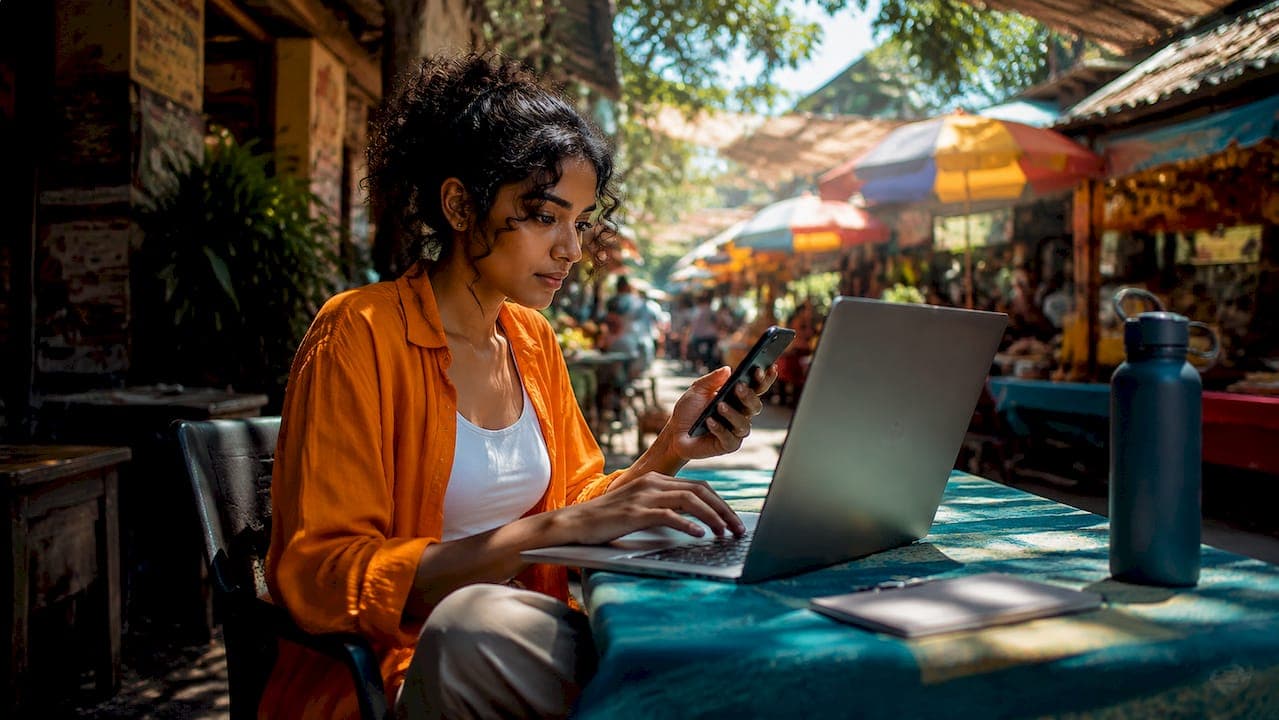
A VPN (Virtual Private Network) is the single most important security tool a digital nomad can carry, creating an encrypted tunnel between your device and the internet that prevents attackers, ISPs, and governments from reading your traffic. If you work remotely while traveling, the question isn't whether you need one. It's whether you've set it up correctly. Digital nomads face unique risks by continuously connecting to new, unknown networks, multiplying data exposure far beyond what a typical office worker experiences. Services like NordVPN, ExpressVPN, and Mullvad are built specifically for this threat model, and understanding why digital nomads need a VPN starts with understanding what happens when you don't use one.
Why digital nomads need a VPN more than anyone else
The core problem is simple: you don't control the networks you connect to. A coffee shop in Chiang Mai, a co-working space in Lisbon, an airport lounge in Dubai. Each of these networks is a shared environment where other users, and sometimes malicious actors, can observe unencrypted traffic. VPN encrypted tunnels make intercepted traffic completely unreadable to anyone on the same network, which is the foundational reason remote workers rely on them.
The threat isn't theoretical. On an unprotected public Wi-Fi network, a technique called packet sniffing lets anyone with basic tools capture data flowing across the connection. Man-in-the-middle attacks go further, positioning an attacker between you and the router to intercept or modify traffic in real time. These attacks are especially effective against travelers because you're logging into banking portals, client dashboards, and communication tools on networks you've never used before.

HTTPS alone does not fully secure traffic on compromised or manipulated networks. A VPN adds protection at the IP layer, below the browser level, wrapping all traffic before it even reaches the local network. That distinction matters when the network itself is the threat.
Pro Tip: Before connecting to any new network, activate your VPN first. Experienced nomads connect VPN before login because captive portals and network misconfigurations can expose traffic before your browser even loads.
Here's what a VPN protects you from on public networks:
- Packet sniffing: Attackers reading unencrypted data packets on shared Wi-Fi
- Man-in-the-middle attacks: Traffic interception between your device and the router
- Rogue hotspots: Fake Wi-Fi networks designed to harvest credentials
- DNS hijacking: Redirecting your domain lookups to malicious servers
- ISP and local network surveillance: Monitoring by the network operator or local carrier
How VPNs unlock banking apps and geo-restricted services
Beyond security, the access problem is just as real. Banks, streaming platforms, and even some productivity tools use IP-based geo-restrictions to limit access by location. When your IP address shows you're in Vietnam but your bank account is registered in Germany, your bank may block the login or freeze the account entirely.
VPNs help bypass geo and IP-based restrictions by routing your connection through a server in your home country, making your traffic appear to originate from a trusted region. This reduces login friction with financial institutions and restores access to services like Netflix libraries, Spotify catalogs, and region-locked work tools. For freelancers who rely on platforms like PayPal or Wise, uninterrupted access isn't optional.
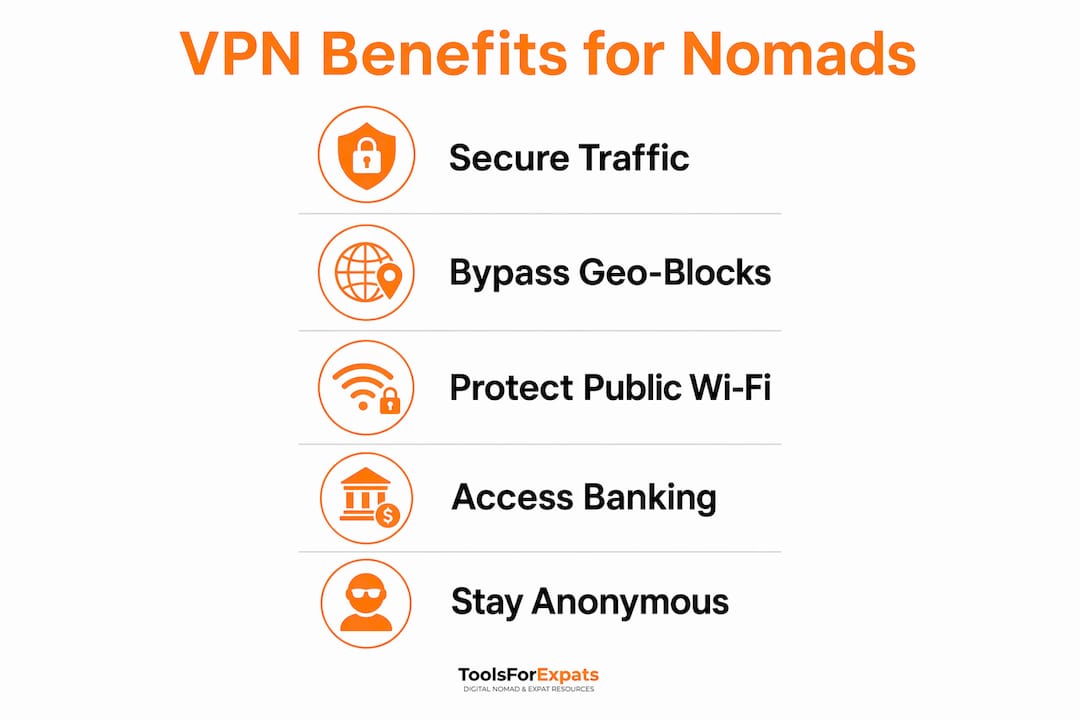
Geo-restrictions imposed by governments add another layer of complexity. Countries like China, Russia, and the UAE use deep packet inspection (DPI) to block standard VPN protocols. In these environments, VPNs with stealth or obfuscation features, such as NordVPN's obfuscated servers or ExpressVPN's Lightway protocol, disguise VPN traffic as regular HTTPS traffic to slip past government filters.
The table below compares key features relevant to geo-unblocking for digital nomads:
| Feature | Why it matters for nomads |
|---|---|
| Obfuscated servers | Bypasses DPI-based VPN blocks in restrictive countries like China |
| Large server network | More country options for matching your home region's IP |
| Split tunneling | Routes only specific apps through VPN, keeping local services fast |
| Static IP option | Reduces bank fraud flags by using a consistent IP address |
| No-logs policy | Protects your browsing history from legal requests or data breaches |
What a VPN can't do: understanding its real limits
A VPN is not a complete security solution. VPNs protect data in transit but do nothing to prevent phishing attacks, malware infections, or credential theft on a compromised device. If you click a malicious link or download infected software, the VPN tunnel doesn't stop the damage.
Encryption by VPN primarily protects data in transit and must be paired with multi-factor authentication (MFA) and strong endpoint hygiene to form a genuinely secure setup. That means using an authenticator app like Google Authenticator or Authy for every critical account, keeping your operating system and apps updated, and using a password manager like Bitwarden or 1Password to avoid credential reuse.
Configuration errors are another real risk. Kill switches and DNS leak protection prevent accidental exposure during VPN drops or misconfigurations, which is especially critical on unstable networks. Without a kill switch, a dropped VPN connection silently reverts your traffic to the unprotected network, often without any visible warning.
Pro Tip: Test your VPN for DNS leaks using a tool like DNSLeakTest.com immediately after connecting. A leaking DNS request reveals your real location and ISP even when the VPN appears active.
Here are the security practices that complement your VPN:
- Enable MFA on every account that supports it, prioritizing email, banking, and work tools
- Use a password manager to generate and store unique credentials for every service
- Keep your device's firewall active and avoid connecting to networks without a VPN active
- Regularly audit which apps have network access on your device
- Consider a public laptop security checklist to cover physical and software risks together
How to choose and use a VPN as a digital nomad
Choosing the right VPN comes down to five criteria that matter specifically for remote work travel: speed, kill switch reliability, a verified no-logs policy, multi-device support, and obfuscation capability. VPN speed retention is critical for video calls and cloud uploads. Protocols like NordLynx (based on WireGuard) and ExpressVPN's Lightway consistently deliver the lowest speed overhead of any current VPN protocol.
Here's how to set up and use a VPN effectively as a nomad:
- Choose a provider with a verified no-logs policy. Providers like Mullvad and ProtonVPN have undergone independent audits confirming they store no user activity data. This matters if you're working in a country with data retention laws.
- Install the VPN on every device you use for work. That includes your laptop, phone, and tablet. Most premium providers allow five to ten simultaneous connections under one account.
- Enable the kill switch before connecting to any new network. This setting cuts your internet connection entirely if the VPN drops, preventing silent exposure.
- Connect to the VPN before opening any app or browser. Establishing VPN before transmitting data reduces exposure from the first second of network use.
- Select a server location strategically. Use your home country's server for banking and financial tools. Use a nearby server for general browsing to minimize speed loss.
- Test your connection after setup. Verify your IP address has changed using a tool like WhatIsMyIP.com and run a DNS leak test to confirm full protection.
- Use obfuscated servers in restrictive countries. If you're working from China, Iran, or similar environments, switch to your VPN's stealth mode before connecting. Standard protocols will be blocked.
Remote-access VPNs create encrypted tunnels to trusted gateways, which is also how many companies provide access to internal tools and corporate networks. If your employer uses a business VPN like Cisco AnyConnect or Palo Alto GlobalProtect, you may need to run both your personal VPN and the corporate one simultaneously, which requires split tunneling to avoid conflicts.
Key takeaways
A VPN is the non-negotiable foundation of digital nomad internet security, but it works best when combined with multi-factor authentication, a kill switch, and consistent connection habits.
| Point | Details |
|---|---|
| VPN encrypts all traffic | Prevents sniffing, man-in-the-middle attacks, and surveillance on public Wi-Fi. |
| Geo-restriction bypass | Connect through a home-country server to access banking apps and region-locked services. |
| Kill switch is mandatory | Prevents silent data exposure when VPN connections drop on unstable networks. |
| VPN has real limits | It protects data in transit only; MFA and endpoint hygiene cover the gaps. |
| Connect VPN first | Activate before any app or browser to eliminate early-connection exposure windows. |
Why I think most nomads are using their VPN wrong
I've worked remotely across more than 20 countries, and the most common mistake I see isn't skipping a VPN. It's treating it as a set-and-forget tool. People install NordVPN or ExpressVPN, leave it on auto-connect, and assume they're covered. They're not checking for DNS leaks. They're not verifying the kill switch is enabled. They're not switching to obfuscated servers when they cross into a restrictive country.
The second mistake is trusting HTTPS as a substitute. I've had colleagues argue that because their browser shows a padlock icon, a VPN is redundant. That logic breaks down the moment the network itself is compromised, which is exactly the scenario you face in a hotel or shared co-working space. The padlock secures the connection between your browser and the destination server. It does nothing about what happens on the local network before your traffic leaves the building.
What actually works is discipline. Connect the VPN before anything else. Test it after every new network. Pair it with MFA and a password manager. Check the digital nomad gear essentials checklist to make sure your full security setup is covered, not just the VPN piece. The nomads I know who've never had a serious security incident aren't lucky. They're consistent.
— Ceyhun
Plan your nomad life with the right tools
Securing your internet connection is one piece of the digital nomad puzzle. Choosing where to live, comparing costs between cities, and checking visa options are just as critical to making remote work sustainable long-term. ToolsForExpats offers a full suite of free expat tools and calculators designed specifically for nomads and remote workers. Use the cost of living comparison tool to evaluate your next destination before you book, or run the numbers on monthly expenses with the nomad cost calculator. No account required, no paywalls, just practical planning resources built for the way you actually work and travel.
FAQ
Do digital nomads really need a VPN on every network?
A VPN is most critical on public and untrusted networks like cafes, airports, and hotels. On a private, password-protected network you control, the incremental risk is lower, but connecting through a VPN remains best practice for protecting sensitive work data.
Does a VPN slow down your internet connection?
Modern VPN protocols like NordLynx and Lightway minimize speed loss significantly compared to older protocols like OpenVPN. For most nomads, the speed difference is negligible for video calls and cloud work when using a nearby server.
Can a VPN get around banking blocks while traveling?
Yes. VPN endpoints in your home country reduce login friction and unblock region-locked banking services by making your connection appear to originate from a trusted location. A static IP option from your VPN provider reduces fraud flags further.
What happens if my VPN drops mid-session?
Without a kill switch enabled, your traffic reverts silently to the unprotected network. Kill switches and DNS leak protection prevent this by cutting the internet connection entirely until the VPN reconnects, keeping your data secure.
Is a free VPN good enough for remote work?
Free VPNs typically log user data, impose data caps, and lack features like kill switches or obfuscated servers. For professional remote work, a paid provider with an independently audited no-logs policy is the only reliable option.