
Getting your gear right before you leave is one of the most consequential decisions you'll make as a remote worker. The right digital nomad gear essentials checklist treats your bag not as luggage but as a mobile office. Miss one critical item and you're not just uncomfortable; you're potentially losing clients and income. This guide cuts through the noise and gives you a structured, up-to-date checklist covering connectivity, power, security, and productivity so you can work from anywhere without worrying about what you forgot.
Table of Contents
- Key takeaways
- 1. Your digital nomad gear essentials checklist starts with connectivity
- 2. Power and charging gear that keeps you working
- 3. Work setup gear: laptop, headphones, and peripherals
- 4. Security essentials for digital and physical protection
- 5. Nice-to-have items that genuinely improve your nomadic life
- My honest take on building a gear kit that actually holds up
- Plan smarter with ToolsForExpats
- FAQ
Key takeaways
| Point | Details |
|---|---|
| Connectivity comes first | Prioritize eSIM phones, travel routers, and VPNs before adding comfort items. |
| Power continuity is non-negotiable | Choose a 20,000–26,800mAh power bank under 100Wh to stay airline-compliant and charged. |
| Security is part of your gear | A VPN, password manager, and anti-theft bag protect your work just as much as your hardware does. |
| Work setup determines productivity | Laptop weight, battery life, and accessories like headphones and hubs decide your daily output. |
| Budget and plan together | Gear costs $500–$800 upfront plus $13–$39/month for subscriptions; budget accordingly before you leave. |
1. Your digital nomad gear essentials checklist starts with connectivity
No other category matters more. You can work from a hostel bunk if your internet is solid. You cannot work from a five-star hotel if your connection keeps dropping.
The foundation of your connectivity setup is an eSIM-compatible smartphone. Unlike physical SIM cards that require you to visit a local carrier shop in every new country, an eSIM lets you activate a data plan remotely within minutes. This alone removes one of the most stressful parts of arriving somewhere new.
Layered on top of that, a travel router transforms any hotel Ethernet port or shared Wi-Fi network into your own private, stable connection. The GL.iNet Beryl AX is a popular choice at around $90. It weighs 215g, supports WireGuard and OpenVPN, and lets you run a VPN kill switch so your traffic stops if the VPN drops rather than exposing your data.
- eSIM-compatible phone (iPhone 15 or newer, Google Pixel 8, Samsung Galaxy S24)
- Travel router with VPN support (GL.iNet Beryl AX or similar)
- VPN subscription (Mullvad, ProtonVPN, or ExpressVPN)
- Password manager (Bitwarden or 1Password)
- Local eSIM plan activated before landing
Pro Tip: Configure WireGuard directly on your travel router before you leave home. Every device you connect, your laptop, tablet, and phone, inherits VPN protection automatically without repeated logins.
A password manager rounds out your connectivity security. It generates and stores strong passwords so you're not reusing the same credentials across coworking space portals and banking apps.
2. Power and charging gear that keeps you working
Power anxiety is real. Running out of battery mid-call or mid-deadline is not just inconvenient; it is a professional failure. The good news is that the right charging kit solves this completely.
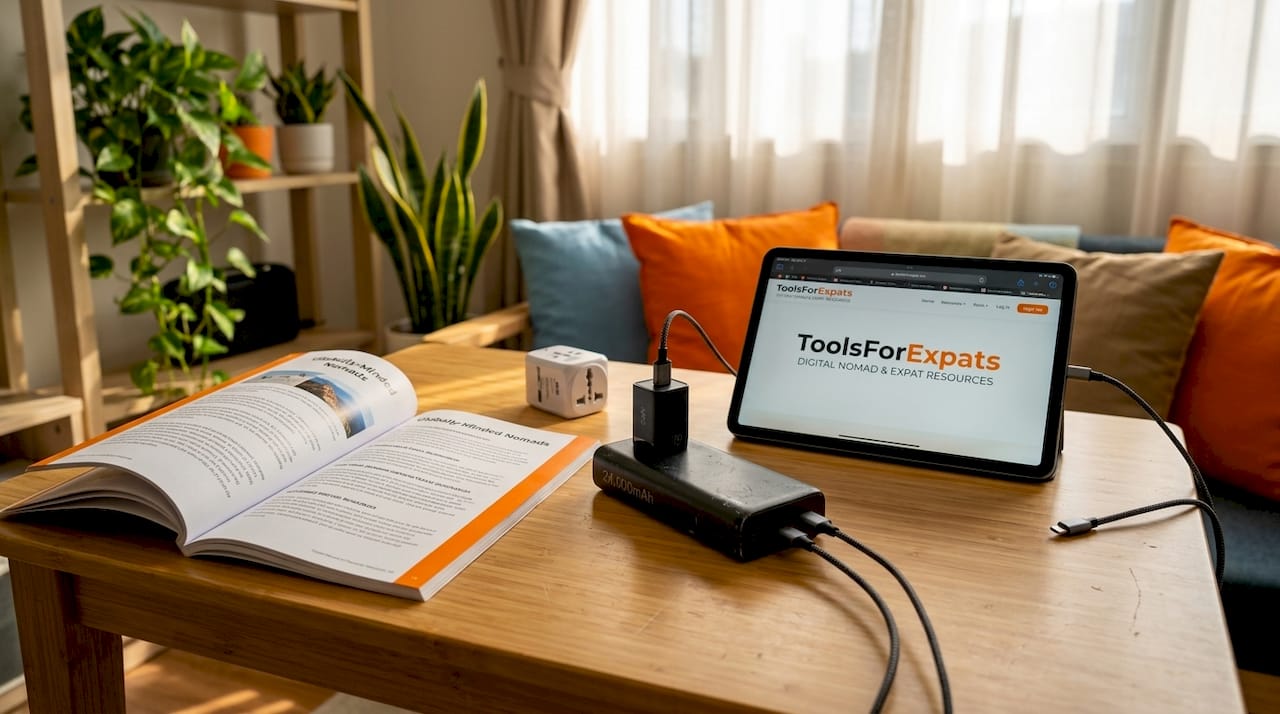
Your power bank is the backbone of your power setup. The recommended range is 20,000–26,800mAh with USB-C Power Delivery at 65W or above, which is enough to charge a laptop. The one number you must watch is the watt-hour rating. Airlines allow a maximum of 100Wh in carry-on bags. A 26,800mAh bank at 3.7V equals roughly 99Wh, landing just inside the legal limit. Budget between $60 and $110 for a quality unit.
| Gear | Key spec | Approx. cost |
|---|---|---|
| Power bank (Anker 737 or similar) | 24,000mAh, 65W USB-C PD, ~99Wh | $80–$110 |
| GaN charger (65W–100W) | Compact, multi-port, fast charge | $30–$60 |
| Universal travel adapter | 2x USB-C PD, 2x USB-A, all-region plug | ~$25 |
| Cable organizer pouch | Keeps cords tangle-free and accessible | $10–$20 |
A GaN (Gallium Nitride) charger deserves its own mention. GaN technology runs cooler and charges faster than traditional wall chargers, and a 65W model is small enough to fit in your jacket pocket. Pair it with the EPICKA Universal Travel Adapter, which offers two USB-C PD ports and two USB-A ports for around $25, and you cover every outlet type worldwide with a single unit.
Pro Tip: Always check your power bank's watt-hour rating printed on the label, not just the mAh. Airline compliance depends on the Wh number, not the mAh number. Carry the manufacturer's spec sheet if the label is unclear.
3. Work setup gear: laptop, headphones, and peripherals
Your laptop is your business. Choose wrong and you are carrying dead weight or fighting battery drain at the worst moments. The two most consistently recommended options in 2026 are the MacBook Air M3 and the Dell XPS 13. The MacBook Air weighs under 2.8 lbs and delivers 15-plus hours of real-world battery life. The Dell XPS 13 is a strong Windows alternative with a compact footprint and solid build quality.
Alongside your laptop, noise-cancelling headphones shift from luxury to productivity necessity the moment you try to take a client call next to a espresso machine. The Sony WH-1000XM5 offers 30-hour battery life, a foldable design that fits in most backpacks, and class-leading noise cancellation for around $300. They are worth every cent on a long-haul flight and in a busy coworking space.
- Laptop (MacBook Air M3 or Dell XPS 13 recommended)
- Noise-cancelling headphones (Sony WH-1000XM5 or Bose QuietComfort 45)
- USB-C hub with HDMI, USB-A, SD card, and Ethernet ports
- Portable laptop stand (Nexstand K2 or Roost)
- Wireless travel keyboard and mouse (optional but helpful for ergonomics)
- Compact power strip with USB ports (great for coworking and cafes)
A USB-C hub is non-negotiable if your laptop has limited ports, which most thin-and-light models do. A good hub adds HDMI output for external monitors, SD card reading for photographers, and a wired Ethernet port for those moments when Wi-Fi is unreliable. Budget around $40 to $70 for a quality unit.
The complete digital nomad tech stack for a mobile worker typically runs $500 to $800 in upfront hardware costs, not counting the laptop itself. That estimate covers the router, power bank, adapter, headphones, hub, and accessories combined.
4. Security essentials for digital and physical protection
Most travel gear guides stop at hardware. That is a mistake. Security gaps cost nomads far more than a forgotten cable.
Your VPN is the cornerstone of digital protection on the road. Public Wi-Fi in cafes, airports, and hotels is regularly monitored or exploited. A VPN encrypts your traffic so credentials, client files, and financial data stay private. Pair it with the travel router setup described earlier and every device you own is covered automatically.
A password manager is the second pillar. Use it to generate unique, complex passwords for every account and store them behind a single master password protected by two-factor authentication. Setting this up before you leave, along with activating 2FA on your bank and email accounts, is one of the most important pre-departure steps you can take.
Physical security matters too. An anti-theft backpack with hidden zippers and cut-resistant straps makes you a far less appealing target in crowded transit hubs. A lightweight laptop lock gives you the freedom to step away from your gear at a coworking space without packing everything up.
Pro Tip: Keep encrypted cloud backups of your documents plus an offline copy of critical information, including travel insurance policy numbers, emergency contacts, and passport scans, stored on an encrypted USB drive. When you are offline or your device is lost, that offline backup is your lifeline.
Travel insurance rounds out this category. It is not a gadget, but it protects everything on your gear list.
5. Nice-to-have items that genuinely improve your nomadic life
Once your core setup is solid, a few additional items can meaningfully improve your daily experience without adding much weight.
An external SSD is the smartest add-on for most nomads. A 1TB USB-C SSD weighs around 50 grams and costs $80 to $100. It gives you fast local backups, extra storage for large project files or media, and a safety net if your laptop's internal drive ever fails. Your document strategy should combine this with encrypted cloud storage for genuine redundancy.
For clothing, the principle is simple: prioritize layers, low-maintenance fabrics, and items that work in both professional video calls and casual street settings. Merino wool tops, for example, resist odor and wrinkles, pack small, and look presentable on camera.
- External SSD (1TB Samsung T7 Shield or similar)
- Document organizer (passport, cards, printed insurance details)
- Microfiber cloth (for screens and lenses)
- Phone stand or ring light for calls
- Foldable tote bag (for groceries, day trips, overflow)
- Packing cubes (compress clothing and organize your bag)
Pro Tip: Before each new destination, audit your bag and remove anything you have not touched in the last two weeks. The nomad packing list that works best is the one you actually refine after real travel, not the one you build theoretically at home.
A foldable tote bag costs almost nothing and solves the constant problem of needing a second bag for groceries or a quick day trip without packing a second backpack.
My honest take on building a gear kit that actually holds up
I have watched dozens of nomads arrive at their first destination with bags full of gadgets they never touch and then scramble to find a power adapter at midnight because they forgot the basics. The pattern is almost always the same. People optimize for "what if" scenarios and underpack for "what actually happens every single day."
What actually happens every day is that you need internet, power, and a quiet place to work. Everything else is secondary. The best gear kit I have ever traveled with was the one where I stripped back to a reliable travel router, a solid power bank, good headphones, and a lightweight laptop. Nothing failed. No workflow got disrupted. That experience taught me more about gear priorities than any checklist.
The other thing I have learned is that security is wildly underestimated. Most nomads I know who have had serious problems on the road trace them back not to stolen laptops but to compromised accounts, weak passwords, or unprotected Wi-Fi sessions. Treating your VPN and password manager as core gear, not optional add-ons, changes how you think about the whole setup.
Technology evolves fast, and your gear kit should evolve with it. Reassess every six months. Something better or lighter almost always exists. But start with the essentials and refine from there. Trying to build the perfect kit before you leave is how you end up overpacked, over budget, and under-prepared for the one thing that actually matters: reliable daily output.
— Ceyhun
Plan smarter with ToolsForExpats
Your gear checklist is only one piece of the planning puzzle. Before you commit to a destination, you need to know what your budget looks like on the ground. ToolsForExpats offers a free nomad cost calculator that breaks down living costs by city so you can balance what you spend on gear against what you will spend on rent, food, and coworking memberships. You can also use the visa eligibility checker to confirm entry requirements for your top destinations before you book anything. Everything on ToolsForExpats is free, requires no account, and is designed to help you make confident, informed decisions about where and how you live and work abroad.
FAQ
What should be at the top of every digital nomad packing list?
Connectivity and power gear come first. An eSIM-compatible phone, travel router, VPN subscription, and a compliant power bank form the core of any reliable mobile office setup.
How do I choose a power bank that passes airline rules?
Look for a power bank rated under 100Wh, which most 26,800mAh banks at 3.7V meet at roughly 99Wh. Always check the watt-hour figure printed on the label, not just the milliamp-hour capacity.
Are noise-cancelling headphones really worth the cost?
Yes. The Sony WH-1000XM5 delivers 30-hour battery life and genuine noise isolation that makes client calls and focused work sessions possible in airports, cafes, and coworking spaces.
What is the best way to secure data while traveling?
Use a VPN on a travel router so all your devices are protected automatically, pair it with a password manager and two-factor authentication, and keep encrypted cloud and offline backups of your critical documents.
How much should I budget for a full remote work gear kit?
Expect to spend $500 to $800 on core travel gear for remote work, not counting your laptop, plus $13 to $39 per month for essential software subscriptions like a VPN and password manager.